
Airlines
Singapore Airlines updates KrisWorld for the A350 and Boeing 777-9
New KrisWorld equipment for the A350 and future 777-9: 4K displays, audio, Bluetooth and the distinction between onboard entertainment and internet access.
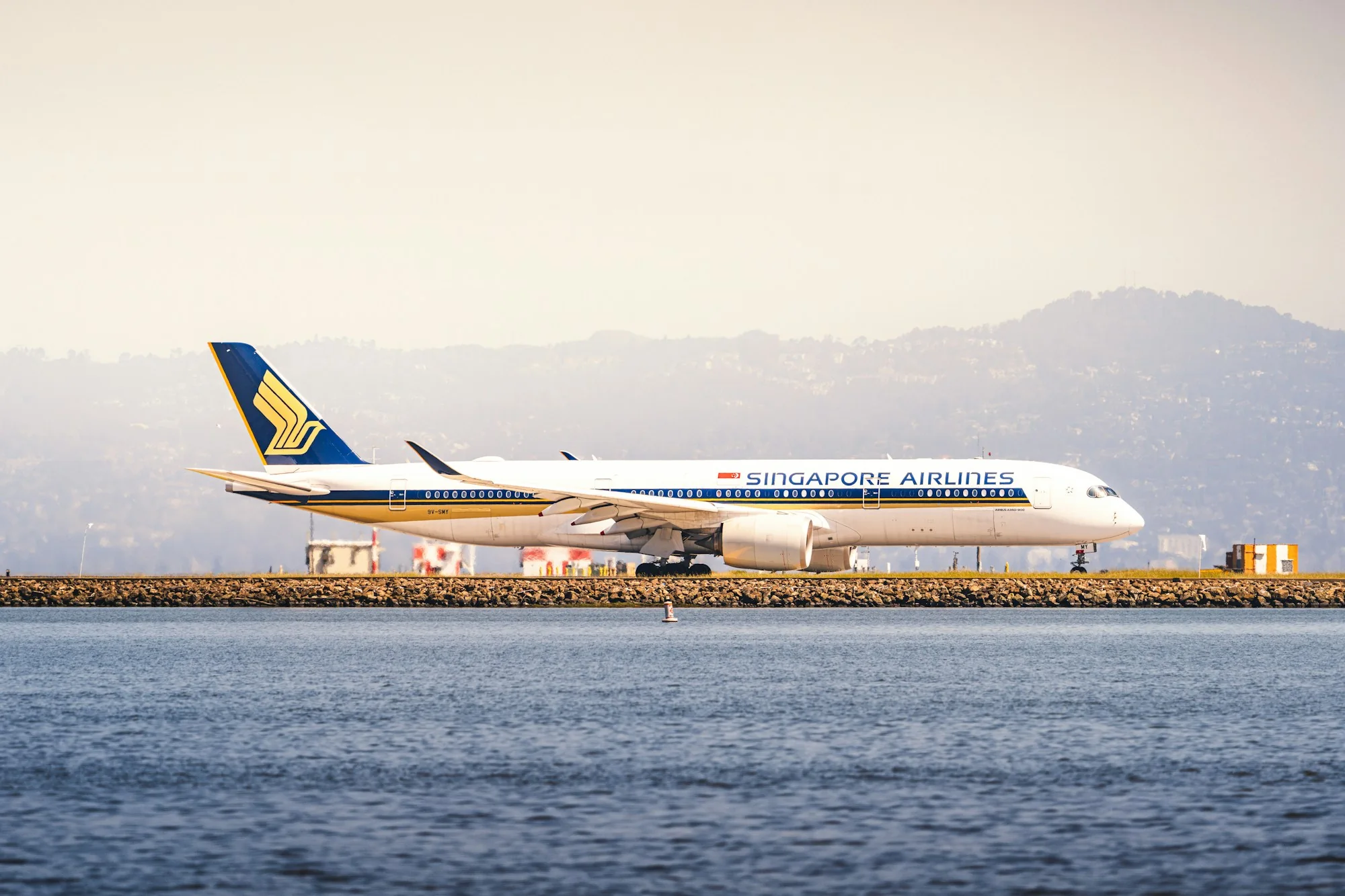
Airbus A350-900 Singapore Airlines in San Francisco. Archive photo of an aircraft type.
Singapore Airlines has introduced a new generation of entertainment system KrisWorld. The update includes 4K screens, spatial audio, Bluetooth headphone connectivity and a redesigned interface. The new system is planned to be gradually installed on 41 Airbus A350s from 2027, as well as on future Boeing 777-9s. The set of equipment will depend on the aircraft and class of service. This is a passenger upgrade program: the announcement does not mean that the new kit is already operational on every airline flight.
An entertainment system may look like a single screen on the seatback, but it depends on a chain of hardware and software. Content must be stored, sent to the right seat, played smoothly and connected to the passenger controls. On a long flight, that experience can matter more than the display’s published resolution. It also explains why updating a large fleet involves more than changing screens.
What a higher-resolution display changes
Resolution determines the number of elements that make up the image. However, the same 4K label on two devices does not promise the same experience. The results are affected by panel size, eye distance, brightness, window reflections, and source video quality. The small screen is located close to the passenger, the large one is installed further away. Therefore, comparing diagonals without taking into account the location of the seat is of little use. Ease of viewing is determined by the entire geometry of the place.
Light in the cabin is especially important. During a daytime flight, the side window may be reflected in the panel, and at night, an overly bright display disturbs neighbors. Good adjustment allows you to read subtitles while maintaining a calm environment. It is useful for the passenger to evaluate the accessibility of settings and the understandability of the menu. If the brightness change is hidden deep in the interface, a high-quality matrix will not eliminate the inconvenience. The system should quickly return to its normal state after a pause or partition switch.
Why the screen and the Internet solve different problems
The onboard media library can play pre-loaded materials without accessing the external network. A satellite connection is required for other scenarios: messaging, downloading information from the Internet, running personal applications. These paths sometimes appear in the same interface, but do not technically become one service. The presence of a new display does not in itself confirm the specific speed of external communication or the availability of the video service selected by the passenger.
Practical example: a movie from a local directory continues to play, although the external connection has temporarily deteriorated. At the same time, the application on the phone can wait for the page to load. There is no contradiction here: the data takes different routes. For travel, this means that the built-in system remains a leisure option in its own right. It is wise to have the files necessary for work immediately after landing on your personal device in advance, and use the connection as an additional channel when it is available.
Bluetooth and personal headphones
Wireless connection eliminates the cable between the seat and the headset, but adds a pairing procedure. First, the passenger switches the headphones to the desired mode, then selects them on the screen of his seat. If the device is simultaneously paired with a phone, audio can switch between sources according to the logic of the headset itself. Clear hints are important: what source is currently selected, how to change the volume and how to end the connection before exiting.
Convenience is in the details. The person interrupts the viewing for the announcement, takes off the headphones, returns to the film and expects to continue from the same moment. The interface should clearly show the playback status. At the same time, the presence of Bluetooth does not make all the functions of a personal headset part of the seat: noise reduction and charge control usually remains on the side of the headphones. The capabilities of a particular location should be assessed by the installed version of the system, and not just by the description of the entire update program.
Sound as part of the passenger environment
Spatial sound helps convey the location of sound events, but the impression depends on the material and the method of reproduction. A well-prepared path and a suitable headset complement each other. If a film contains conventional stereo recording, the very name of the technology does not turn it into a different production. For talk programs, interviews, and audiobooks, speech intelligibility is often more important than expressive effects. Separate volume control and the ability to quickly return to a missed phrase are useful.
On an aircraft, listening occurs against a background of constant noise. It is more comfortable to choose a moderate volume and a suitable fit for the headphones than to try to block the environment by amplifying the signal. Any entertainment system must also take into account crew communications. Pausing during an announcement is part of the normal operation of passenger equipment. After it, predictability is important: the film should continue in a way that is understandable for a person, without searching for a scene and going through several screens again.
Interface for long flights
During a multi-hour trip, a passenger usually changes activities several times. First he gets acquainted with the route map, then watches a film, rests and returns to the short program before descending. A good interface supports these transitions without having to start the search over again each time. Visible categories, browsing history and a clear back button reduce the number of steps. This is especially useful for those who rarely use touch devices or are seeing a particular system for the first time.
Accessibility requires attention to font, contrast, and size of active elements. The cabin is not like a calm home office: the seat can be reclined, the arm can be at an awkward angle, the lighting changes. Clear signatures are more important than decorative complexity. Finding suitable children's content and the ability to quickly stop playback are essential for families. For a person planning a sleep, a short path to the screen settings is more convenient than constantly appearing offers to start a new movie.
Retrofitting a fleet while keeping services running
Retrofitting involves more work than replacing a panel. You need to check the fastenings, power supply, wiring, software versions and interaction with other interior equipment. After installation, perform the prescribed checks. The aircraft remains part of the commercial schedule, so the work is coordinated with technical windows. It is this gradualism that allows the carrier to update the product while keeping a significant part of the fleet in operation. Until the end of the program, different aircraft may offer different versions of the passenger environment.
Imagine a fleet in which one aircraft undergoes scheduled work, another operates flights and a third provides a reserve. Extra installation time changes that balance. This helps explain why the beginning of a programme is different from complete fleet coverage. For KrisWorld, the aircraft type and retrofit stage both matter: future Boeing 777-9 installations and work on existing A350s are separate streams even when they share interface principles.
What to check before traveling
The most useful questions relate to a specific flight: what aircraft is scheduled, what configuration is specified, and what capabilities are available to the selected seat. Changing the aircraft is possible even after purchasing a ticket, so the product description serves as a guide. For personal devices, it is worth having charged headphones, a familiar cable, and pre-saved materials. This makes the trip more convenient with any version of the system and does not interfere with using new functions if they are installed.
The significance of the KrisWorld update lies in the combination of picture, sound and ease of operation. A single resolution number describes only one part of that environment. For a passenger, the result is measured more simply: was it possible to quickly find a program, adjust the sound, relax and return to watching without unnecessary actions. It is these day-to-day scenarios that allow you to evaluate a new system once it is available on a particular aircraft and separate the promise of the program from the flight experience already available.
What to look for in a seat specification
When checking the equipment, it is useful to look for individual items about the screen, headset connection and access to an external network. These specifications may be updated at different times. Such a list helps to ask an accurate question about a specific configuration and not expect the entire set of new capabilities from an aircraft that only has part of the program's hardware installed.